How to Edit Images with AI: Inpaint, Outpaint, Upscale
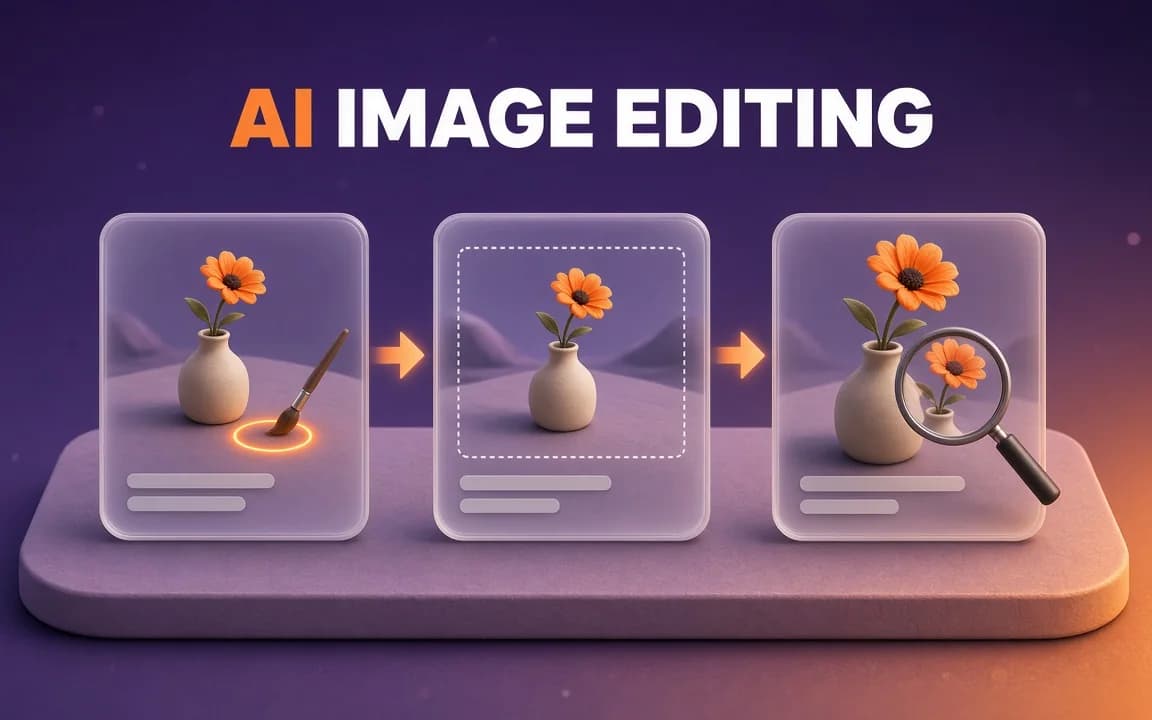
Inpaint to fix one area, outpaint to change the shape, upscale last. Here's when each beats regenerating, why your mask isn't a stencil, and the default model that triples the cost per try.
Category
Models, prompts and workflows for generating still images.

Inpaint to fix one area, outpaint to change the shape, upscale last. Here's when each beats regenerating, why your mask isn't a stencil, and the default model that triples the cost per try.

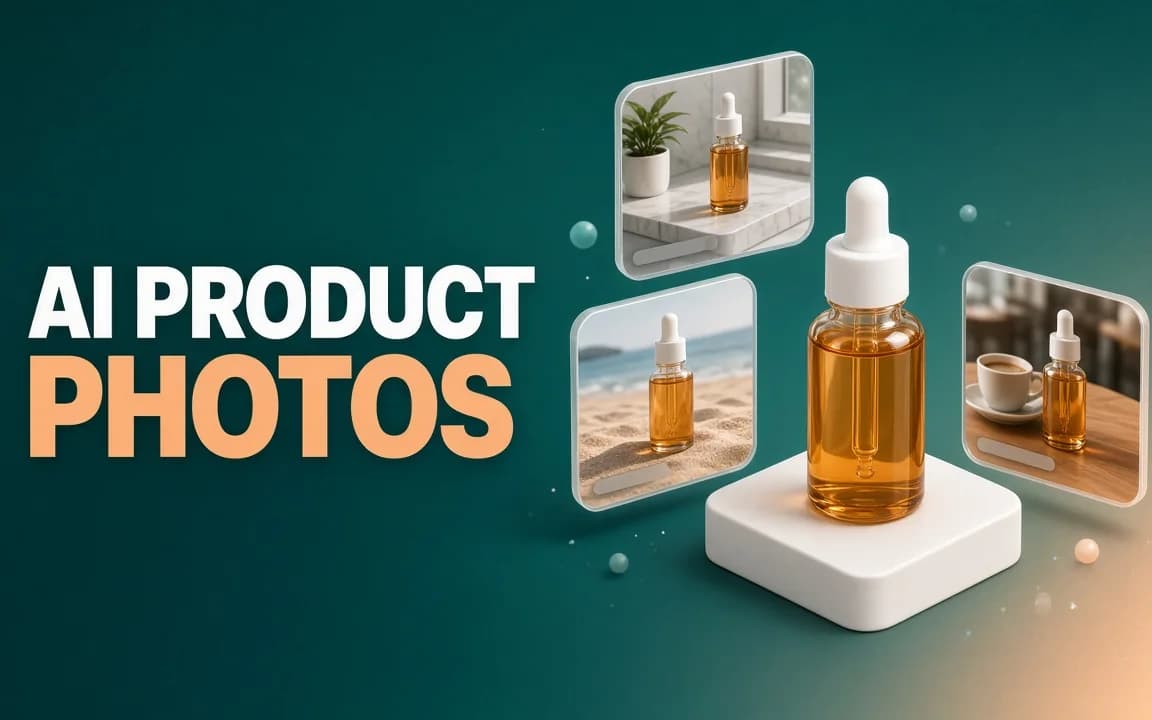
Make AI product photos from one honest photo: a white main image, background swaps and on-model shots, the two AI-labelling rules on Amazon and Google, and a per-SKU cost check against a studio.

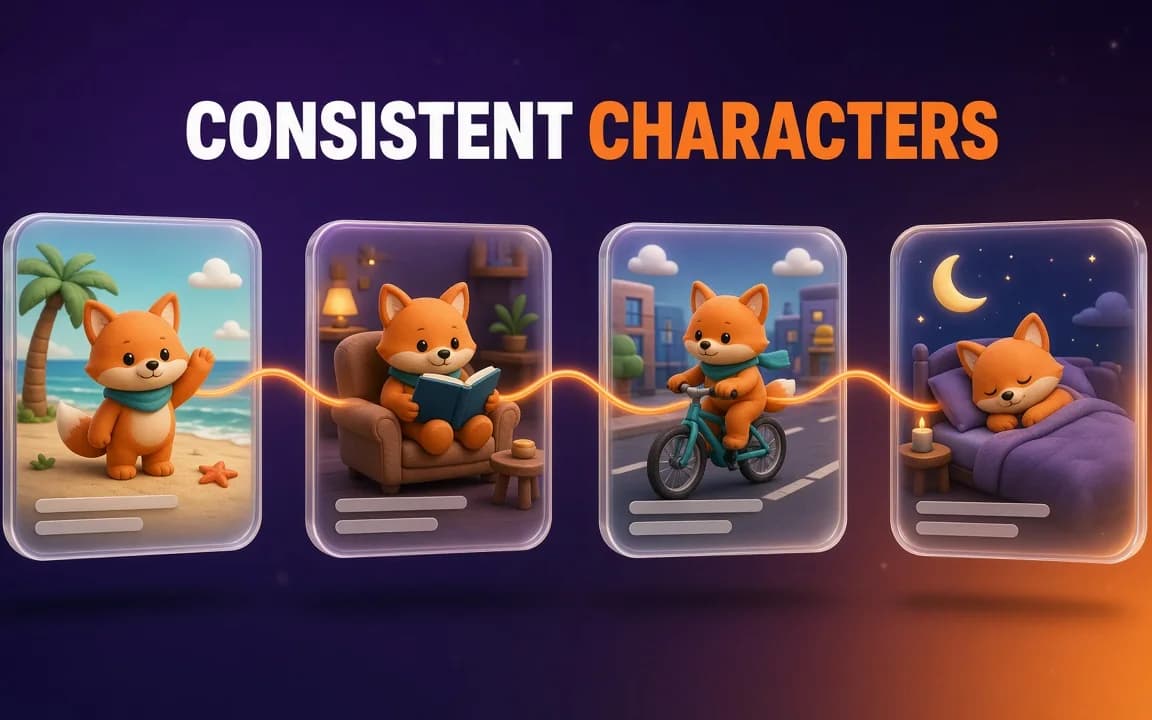
Consistent AI characters come from references, not seeds. When to use reference images, a character sheet, a saved character or a LoRA, with a copyable sheet prompt and each tool's documented limits.

ImagineArt puts 36 image and 37 video models, Workflows, plugins and an MCP server under one plan. We scored it on price, credits, rights and billing terms: 7.0 out of 10.
ImagineArt and OpenArt look like a coin flip: same kind of suite, prices within a few dollars. They aren't. Two questions decide it, and one can cost you 5x.
ImagineArt sells credits, and nearly every number on its pricing page — "~600 image generations", "~97 videos" — is a best case. That is not a guess: ImagineArt's own help…

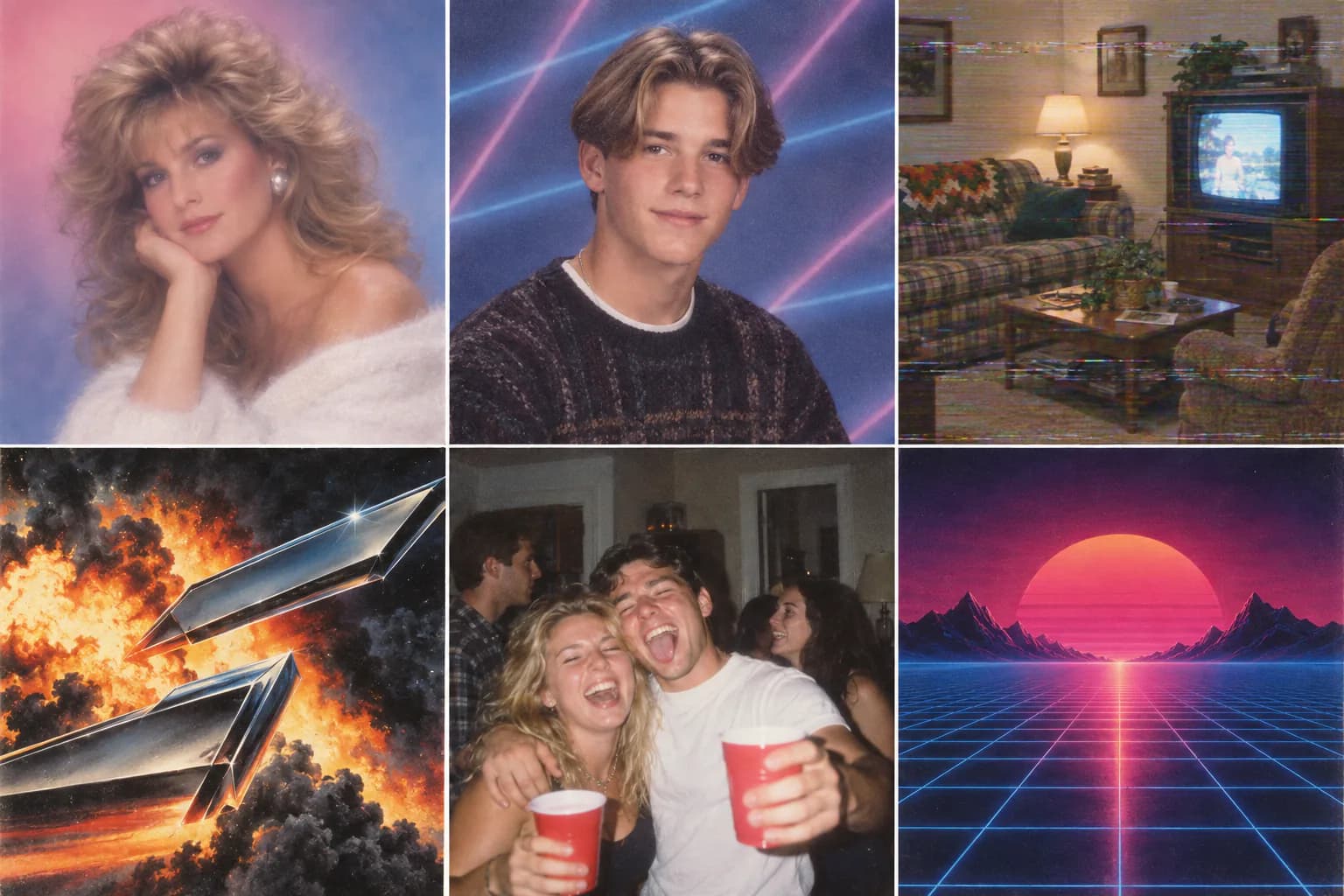
18 copy-paste prompts for the 80s and 90s AI photo trends: mall glamour shots, yearbook portraits, Polaroids and VHS stills, each with the film stock, lighting and aspect ratio that make it look real.
An honest comparison of the best AI image generators in 2026: which model wins on prompt accuracy, photoreal detail, text rendering and editing — and how to choose.